




CAMTASIA AUDIATE
Edita vídeos de formación un 40 % más rápido
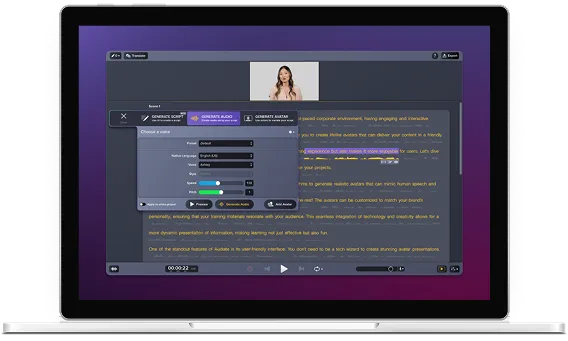
Camtasia Audiate es la división de Camtasia dedicada a la IA generativa y la edición basada en texto. Te permite editar vídeos tan rápido como escribes. Puedes comprar Audiate por separado o incluirlo en un plan de Camtasia, lo que te ofrece un paquete completo para crear guiones, narrar y editar. ¿Y lo mejor de todo? El uso de la IA es ilimitado.
Audiate es el motor basado en IA para tus proyectos de Camtasia
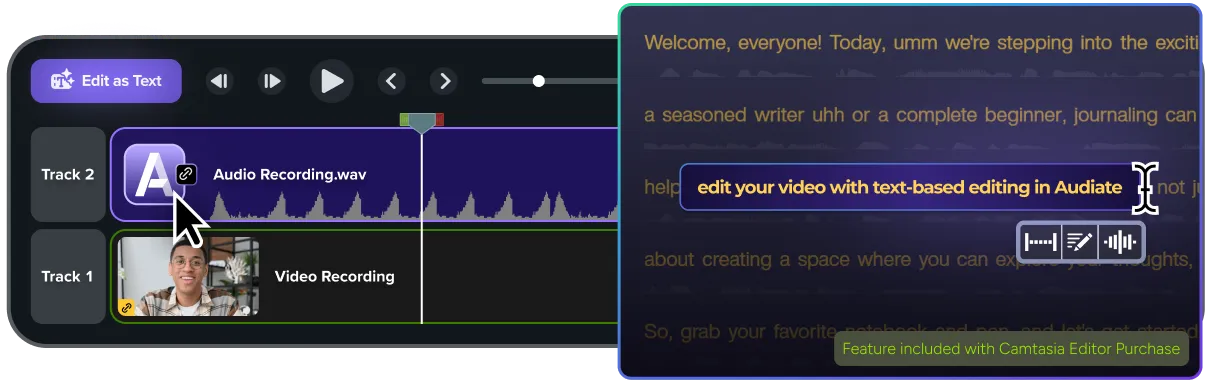
Si tienes una suscripción a Camtasia o una licencia para empresas, ya dispones de las herramientas de edición basada en texto y de limpieza de audio de Audiate sin coste adicional. Solo tienes que editar tu narración como si fuera un documento de texto y verás cómo el vídeo se actualiza automáticamente en la línea de tiempo de Camtasia.
Los equipos de estas empresas confían en nosotros





Cómo escalar tu flujo de trabajo con Audiate
Si tienes que estar al día de los constantes cambios en los productos o de los equipos internacionales, no puedes permitirte empezar desde cero cada vez. Los planes superiores de Camtasia ofrecen IA generativa ilimitada con Audiate. Disfruta de acceso completo a voces y avatares de IA sin límites de tokens.

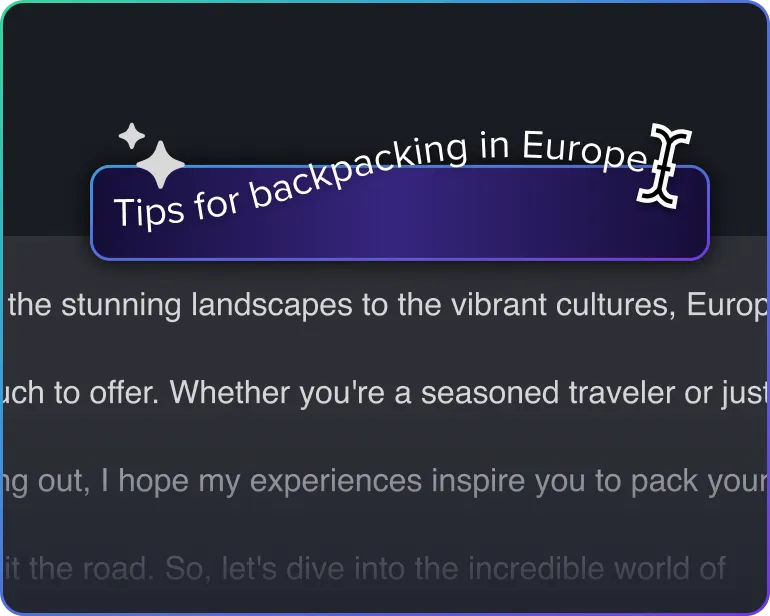
Crea tu guion
Deja que la IA convierta tus ideas generales en instrucciones claras y detalladas.
Añade un presentador
Añade un avatar digital para darle a tu presentación un toque personal y humano.

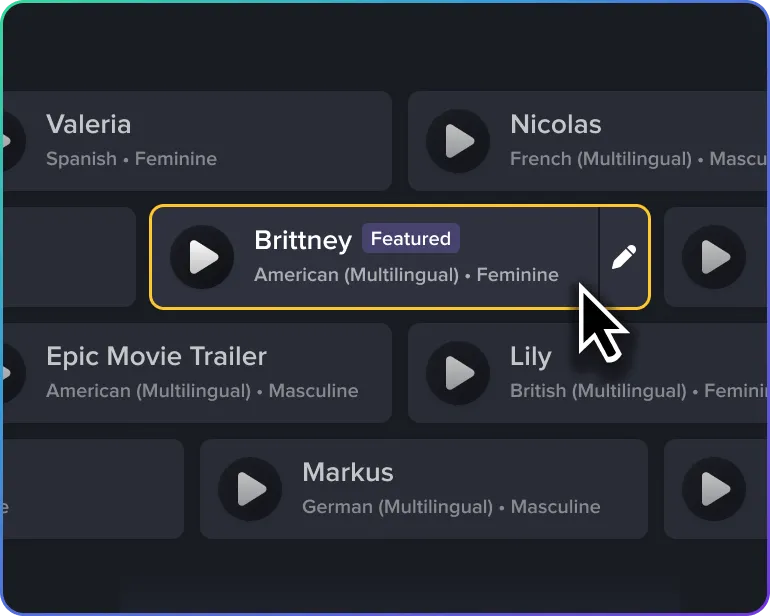
Elige tu voz
Elige una voz de IA profesional de ElevenLabs para conseguir un resultado perfecto en todo momento.
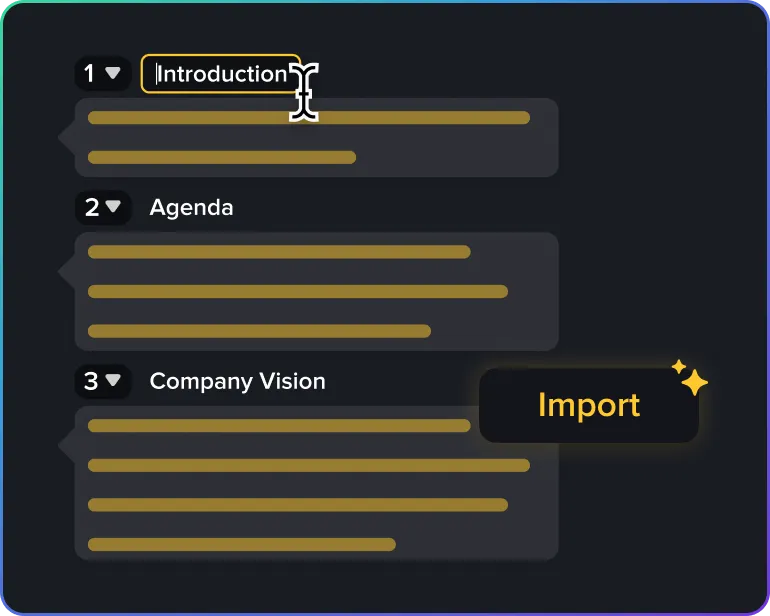
Planifica la clase
Usa la prestación de escenas inteligentes para agrupar al instante tu grabación en capítulos lógicos y fáciles de editar.
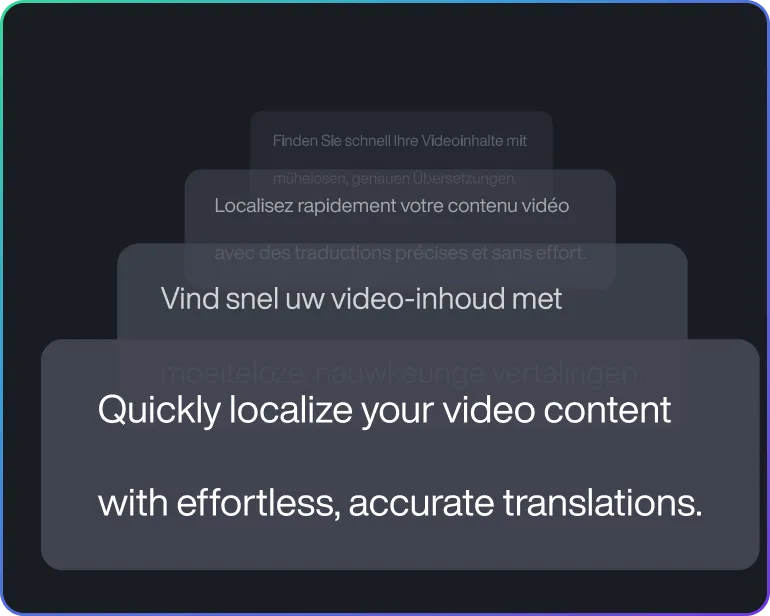
Da el salto al mercado internacional
Llega a todo el mundo traduciendo tu mensaje a su lengua materna.
Reseñas de cinco estrellas
Por qué los mejores equipos de formación eligen Audiate
Cuando eres la persona a la que todos acuden en busca de información, las peticiones de formación no paran nunca. Los profesionales eligen Audiate para poder hacer frente a la demanda sin acabar agotados.

«Gracias a Audiate, puedo grabarme y editar cuando quiero, o usar un guion para que un avatar digital diga exactamente lo que necesito».

«Puedo producir vídeos con una calidad de audio excelente sin apenas esfuerzo. Modificar el texto es tan simple como escribirlo, y la voz se adapta de manera natural. En la organización todavía piensan que Ava es una persona de verdad».

«No me gusta mi voz y suelo tartamudear con frecuencia, así que Audiate me ayuda a convertir mi guion en una voz más profesional sin esfuerzo».
Empieza a usar Camtasia Audiate
Empieza a usar las funciones de edición de texto que ya vienen incluidas en Camtasia Editor o actualiza tu versión para sacar más partido a Audiate.